Your event. Your brand.
Your event. One registration link.
Take registrations, manage your guest list, and check guests in—all in one place.
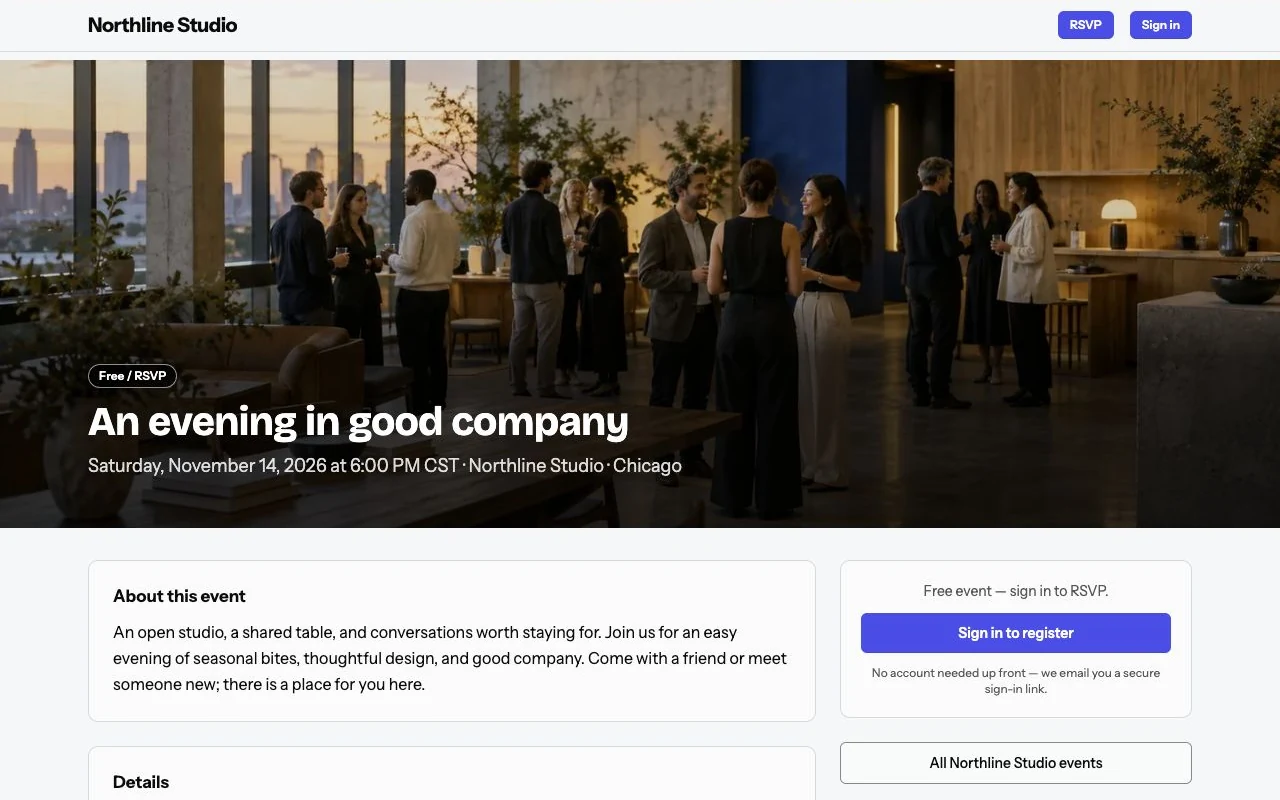
Give your event a home
- Share the date, location and event details on your branded site.
- Add house rules and admission requirements.
- Give guests one link to register.
Choose paid tickets or free registration
- Start with free registration or connect an eligible account for paid tickets.
- Ticket payments go directly to your payment account.
- Your processor’s fees are separate from your site subscription.
Bring your guest list together
- See registrations and email your guests.
- Give your team access for their roles.
- Use one group ticket for the ticket holder and their named guests.
Welcome guests at the door
- Scan a QR ticket with a phone.
- Use the manual entry code as another check-in option.
- Prepare your guest list before doors open.
Useful answers
Can I run both free and paid events?
Yes. Free/RSVP registration does not require a payment connection. Paid ticket sales require an eligible connected payment provider; its fees apply separately.
Does Hespera add a fee to every ticket?
No. Hespera charges a software subscription, not a per-ticket platform fee. Your payment provider still charges its own processing fees on paid transactions.
Ready for your next event?
Choose annual or monthly billing for your Entry plan.